
What is Base64 Encoding and How to Use It
Base64 is one of those terms that appears constantly in web development, APIs, and data handling — but it is rarely explained clearly. This guide covers what it is, why it exists, and how to use it.
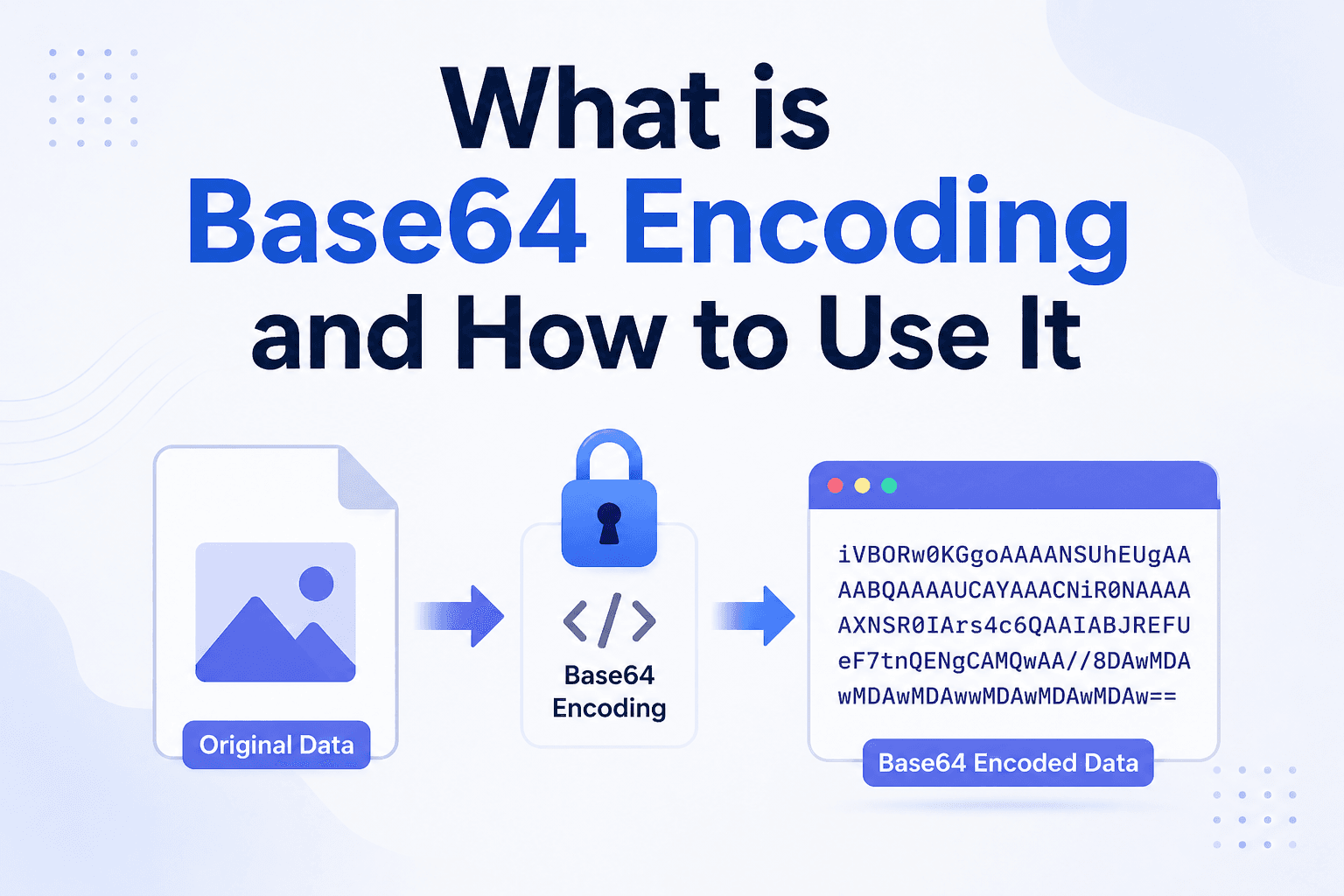
What is Base64 encoding?
Base64 is a method of encoding binary data (like images, files, or any bytes) into a string of plain ASCII text characters. The name comes from the fact that it uses 64 characters: A–Z, a–z, 0–9, and the symbols + and /, with = used for padding.
The key point: Base64 is not encryption. It does not make data secret — it just converts binary data into a text format that can be safely transmitted through systems that only handle text.
Why does Base64 exist?
Many protocols — email (SMTP), HTML, JSON, XML, HTTP headers — were designed to handle text, not raw binary data. If you try to embed an image directly in a JSON object, the binary bytes will corrupt the text structure.
Base64 solves this by converting binary data into a safe text representation. A 1KB image becomes a ~1.37KB Base64 string that can be embedded in JSON, HTML, CSS, or any text-based format without breaking anything.
When is Base64 used?
- Embedding images in HTML/CSS —
<img src="data:image/png;base64,iVBOR...">eliminates a separate HTTP request for small images - Email attachments — email protocols encode attachments as Base64 before transmission
- API authentication — Basic Auth sends credentials as
Base64(username:password)in the Authorization header - Storing binary data in JSON — APIs often encode file contents or cryptographic keys as Base64 strings
- JWT tokens — JSON Web Tokens use Base64URL encoding for their header and payload sections
- Data URIs — embed fonts, icons, and images directly in CSS files
How Base64 encoding works
Base64 takes every 3 bytes of input and converts them into 4 characters of output. This is why Base64-encoded data is always approximately 33% larger than the original binary data.
For example, the text Man (3 bytes: 77, 97, 110) encodes to TWFu (4 characters). The process converts the 24 bits into four 6-bit groups, each mapped to one of the 64 characters.
Base64 vs Base64URL
Standard Base64 uses + and / which have special meaning in URLs. Base64URL replaces these with - and _, making the output safe for use in URLs and filenames without encoding. JWT tokens use Base64URL.
How to encode and decode Base64
You can encode or decode Base64 instantly with no software:
- Base64 Encoder — convert text or data to Base64
- Base64 Decoder — convert Base64 back to readable text
Paste your input, click convert, and copy the result. Everything runs in your browser — nothing is sent to a server.
Base64 in JavaScript
JavaScript has built-in functions for Base64:
// Encode
btoa("Hello World")  // "SGVsbG8gV29ybGQ="

// Decode
atob("SGVsbG8gV29ybGQ=")  // "Hello World"
For binary data (files, images), use the FileReader API or Buffer in Node.js instead of btoa/atob.
Summary
Base64 encodes binary data as ASCII text so it can travel safely through text-only systems. It is not compression (the output is 33% larger) and not encryption (it is trivially reversible). You will encounter it in APIs, email, authentication headers, JWT tokens, and data URIs. When you need to encode or decode quickly, use a free Base64 encoder/decoder tool.