
How to Convert MP4 to MP3 (Extract Audio from Video)
Need the audio track from a video file? Converting MP4 to MP3 is one of the most common media tasks — whether you want to save a song, extract a lecture, or prepare audio for editing. Here is everything you need to know.
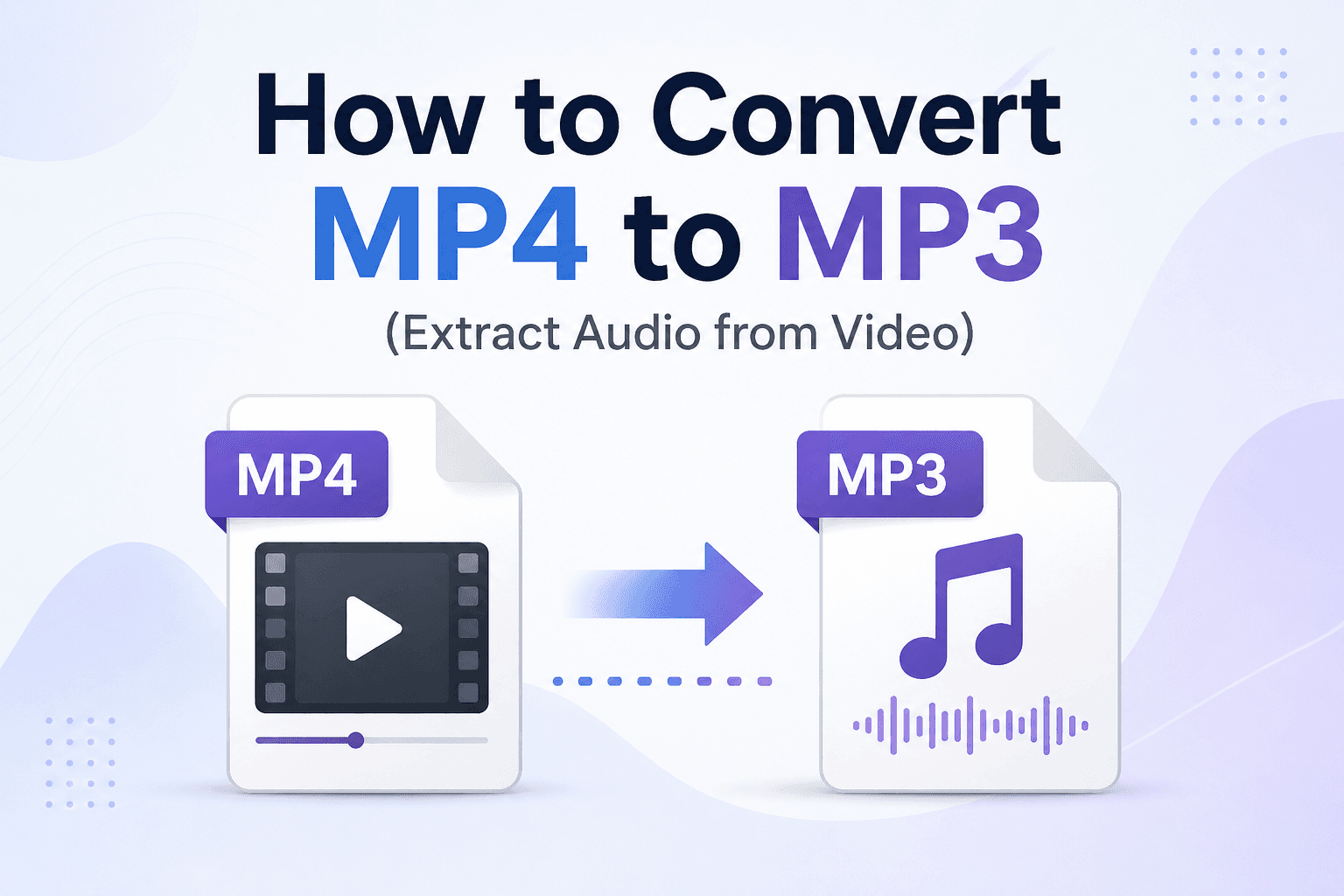
What does MP4 to MP3 conversion do?
An MP4 file is a container that holds both a video stream and an audio stream. Converting MP4 to MP3 extracts only the audio stream and saves it as an MP3 file — discarding the video entirely. The result is usually smaller because the video stream is removed, and it can be played in common music players, podcast apps, and audio editors.
Common reasons to convert MP4 to MP3
- Save audio from recorded meetings or lectures to listen on the go without needing to watch the video
- Extract music from a video that does not have a separate audio release
- Prepare content for transcription — most transcription tools work with audio files
- Reduce file size before sharing or archiving
- Create podcast episodes from recorded video content
How to convert MP4 to MP3 online (free)
- Go to the MP4 to MP3 converter on ConvertWiki
- Upload your MP4 file (or drag and drop it)
- Click Convert
- Download the MP3 file when processing is complete
No software installation, no account required. Files are processed and not stored on the server.
Understanding audio quality in MP3 conversion
The output cannot improve quality that is missing from the source audio. ConvertWiki re-encodes the audio with a fixed high-quality MP3 preset; the current tool does not expose a bitrate selector. Because MP3 is lossy, a small quality change is possible.
MP4 vs MP3: what is the difference?
MP4 is a multimedia container format. It stores video, audio, and sometimes subtitles in a single file. MP4 files are large because they contain video data.
MP3 is an audio-only format using lossy compression. It is universally supported by all devices, players, and platforms. MP3 files are compact and ideal for audio distribution.
Other video formats you can extract audio from
The same process works for other video formats:
- Video to audio converter — accepts MP4, MOV, and WebM files
- WAV to MP3 — compress uncompressed audio to MP3
- MP3 to WAV — convert to uncompressed audio for editing
Frequently asked questions
Does converting MP4 to MP3 reduce audio quality?
ConvertWiki re-encodes the source audio as MP3, so the process is not lossless. The output uses a high-quality preset, but it cannot restore detail missing from the original.
How long does MP4 to MP3 conversion take?
Supported files are limited to 10MB. Short clips commonly finish in seconds, although processing time depends on the source codec and server load.
Is there a file size limit?
The MP4 to MP3 converter accepts files up to 10MB and processes them on the server.